AmiQuotes
This tool helps you to fetch live data ( 1minute / Daily) data directly from the broker and seamlessly update Amibroker using the Amiquotes tool every minute.
Prerequisites
Layr0 IMC and Layr0 IMC API Key
Amibroker 6.0 or higher
Amiquotes 4.10 or higher (mostly preinstalled with Amibroker) if not download from Amibroker Download section
Layr0 IMC supported Brokers providing Historical Data / Intraday Data API
Note : As of now kotak not supporting intraday/historical data API
Step 1 : Download Layr0 IMC - Amiquotes (Plugin)
[Get the Amiquotes Plugin Here](@site/static/img/assets/Layr0 IMC.ads)
Download the file and save under Amibroker -> Amiquotes -> DataSource Folder
-a79c805a99cda123a65aad904a423101.png)
Step 2 : Create the Amibroker Database
Open Amibroker Goto File Menu -> New -> Database
-3c6248aa929baf4073342d37597b01ca.png)
Create a New Database
Enter the Database Name, Base Time Interval and Click Create
-2c20470623c5c3369407bfe137ba7573.png)
Enter the Database Source as (local database) and Number of Bars as 75000
-3620d7aae6c9b96a6500a5fbf764225a.png)
Now click on Intraday Settings and Enable Allow Mixed EOD/Interval data and press ok
-8d62e254ff648088ca8c9805dbdeb48d.png)
Step 3 : Add Layr0 IMC Ticker Symbols
Add Ticker Symbols from the Symbols menu -> New
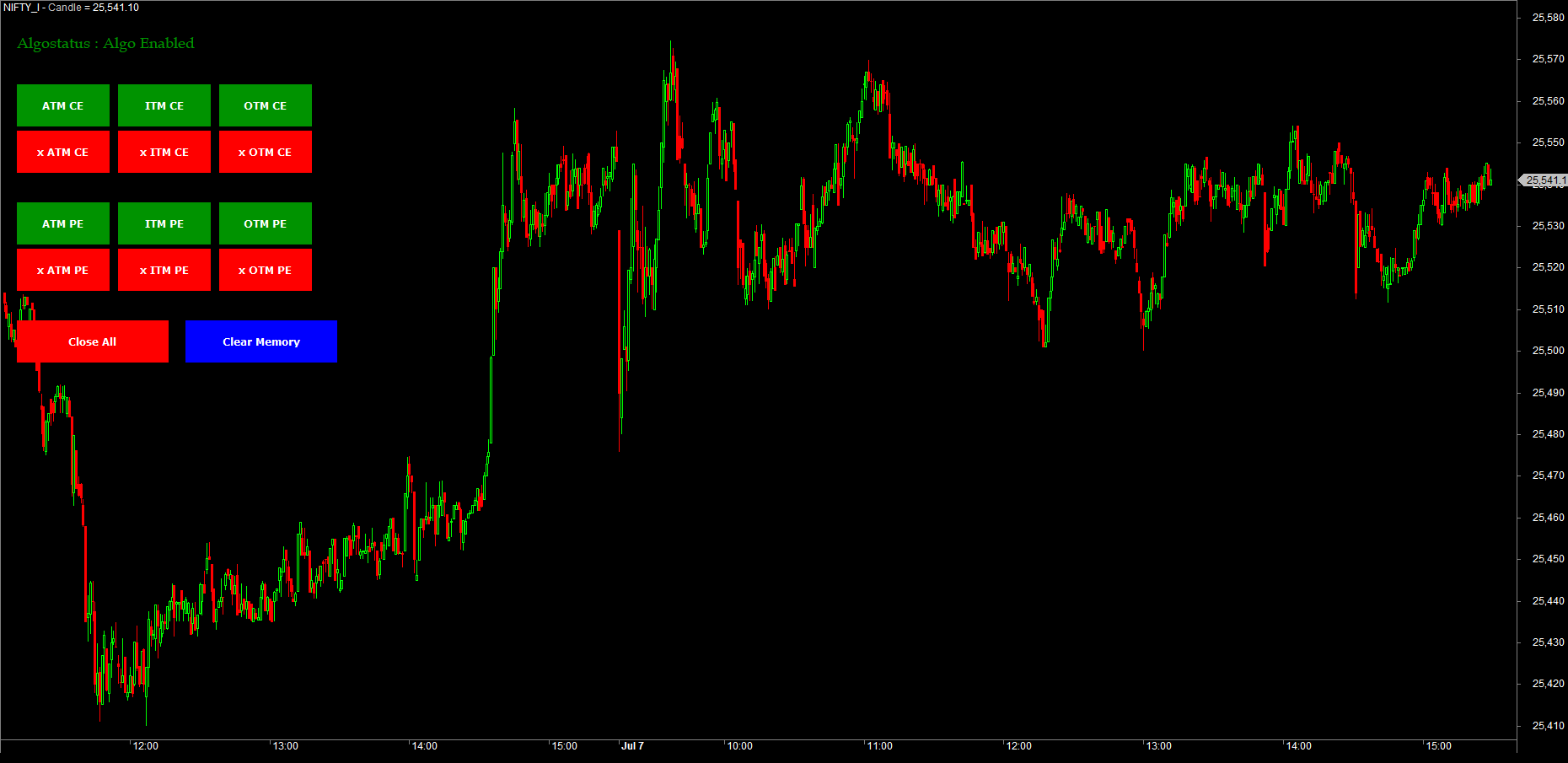
You can Also add the ticker symbol with comma separated
If you want to import bulk symbols consider using Watchlist import method (Supports .txt or .csv or .tls format)
-58499bb7ede26e333e55b991a4d3b550.png)
Step 4 : Amiquote Realtime Update
Open Amiquote from Tools Menu -> Auto-update quotes (AmiQuote)
-e08a98456b5b3024e76bcedbfaadaf8e.png)
From the dropdown of Amiquote Select Layr0 IMC
-5e8b1d8907935fdbb1592fdae9008640.png)
Alternatively, you can also import the Layr0 IMC template using the import method. Goto Data Source Menu -> Import
-4a0915f77c090082ec4e7594ecc5cf97.png)
configure the Layr0 IMC API key
Get the Layr0 IMC API Key by visiting Layr0 IMC -> Dashboard -> Click on Profile Icon -> APIKey
Create one if you installed Layr0 IMC for the first time. Copy the API key and paste in the User-definable data source -> API Key Section as shown below and press ok
-ef3600cc99e91d6f9f34feaaa5ce473c.png)
Now Select the desired interval and set Run every 1min and press the play button
-05c38f14fb6f33411aadef58268a7ca2.png)
Now the Data Download from the Broker via Layr0 IMC Starts
-a88e99ec37f4dd1f01dec5e5a814c982.png)
Now you can see that Layr0 IMC is Auto updating the Amibroker Database every 1 minute
-e5e4e0339d3f35f38b768c3a4f427f7c.png)
Make sure that Charts are loaded properly.
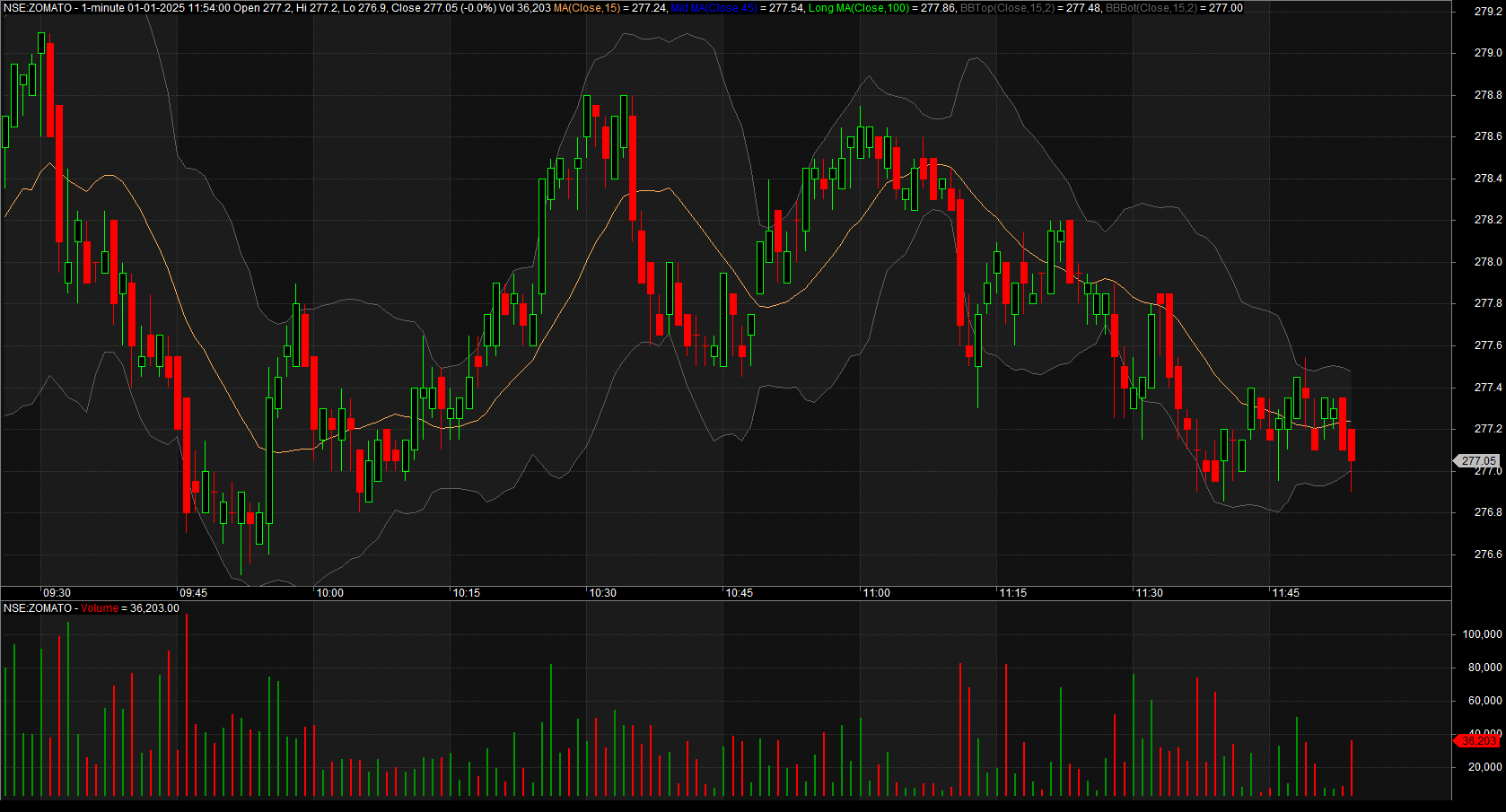
Start using your brokers data for your analysis purpose.\
For more details and troubleshooting refer the Ticker API
Make sure to login to Layr0 IMC every day to fetch the live intraday/EOD quotes